AI Image Upscaler - Upscale Images to 4K Online, Free AI Super-Resolution
Use our AI image upscaler to upscale images to crystal-clear 4K quality online. The AI image upscaler analyzes textures, edges, and colors to reconstruct fine details while keeping images natural, sharp, and vibrant. Just upload and let the AI image upscaler transform your pictures—free to try and no watermark.
🎁 6 Free Trial Credits Available For First-registered Users
AI Kép Felskálázó
Kép feltöltése
Húzza ide a képet, vagy kattintson a tallózáshoz
Támogatott formátumok: JPG, JPEG, PNG, WebP, GIF, AVIF
Nincs kép? Próbálja ki ezeket
AI Image Upscaler Use Cases
Explore how our AI image upscaler helps you upscale images for old photos, product catalogs, digital art, and social media—with natural detail reconstruction and professional clarity.
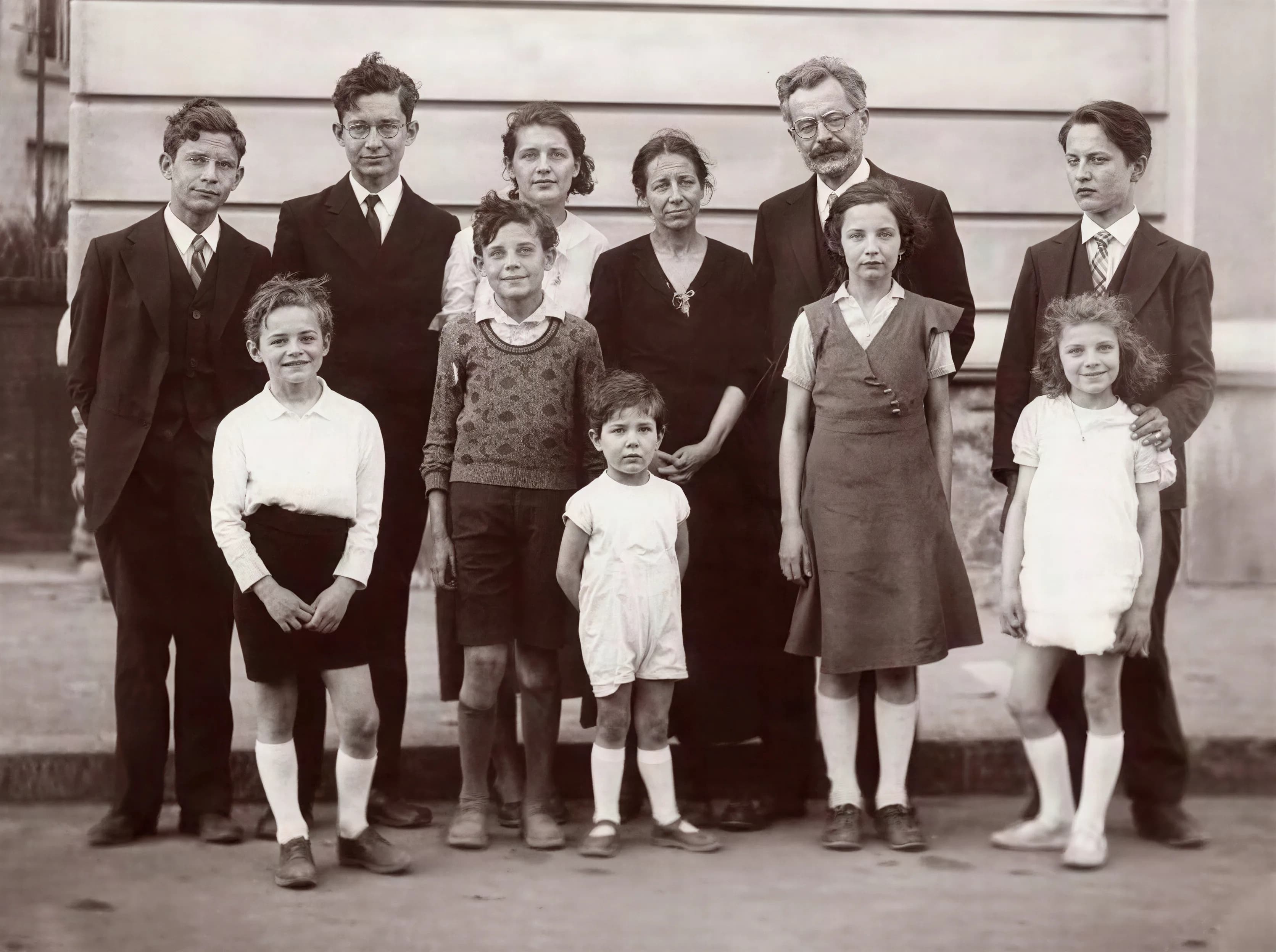
Restore Old Family Photos
Breathe new life into scanned albums and low-resolution memories. Our AI 4K image upscaler intelligently reconstructs texture, reduces compression artifacts, and enhances faces. Perfect for printing, archiving, and sharing online—so you can upscale images without losing authenticity.

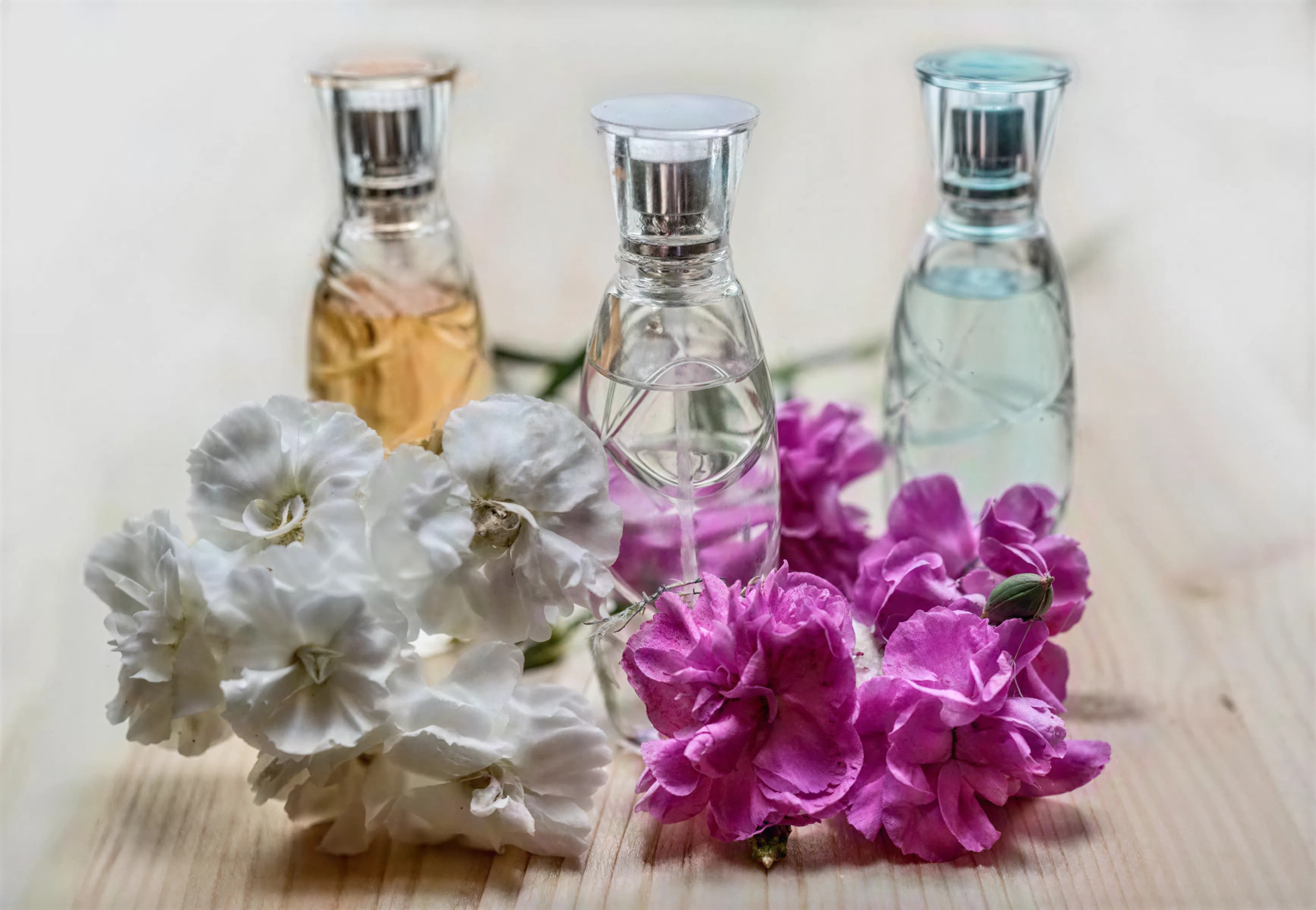
Elevate Product Photography
Make products pop with crisp edges, clean textures, and true-to-life color. The AI 4K image upscaler improves clarity for marketplaces and landing pages, helping you upscale images for zoom views and 4K banners while maintaining a natural look—free and online.

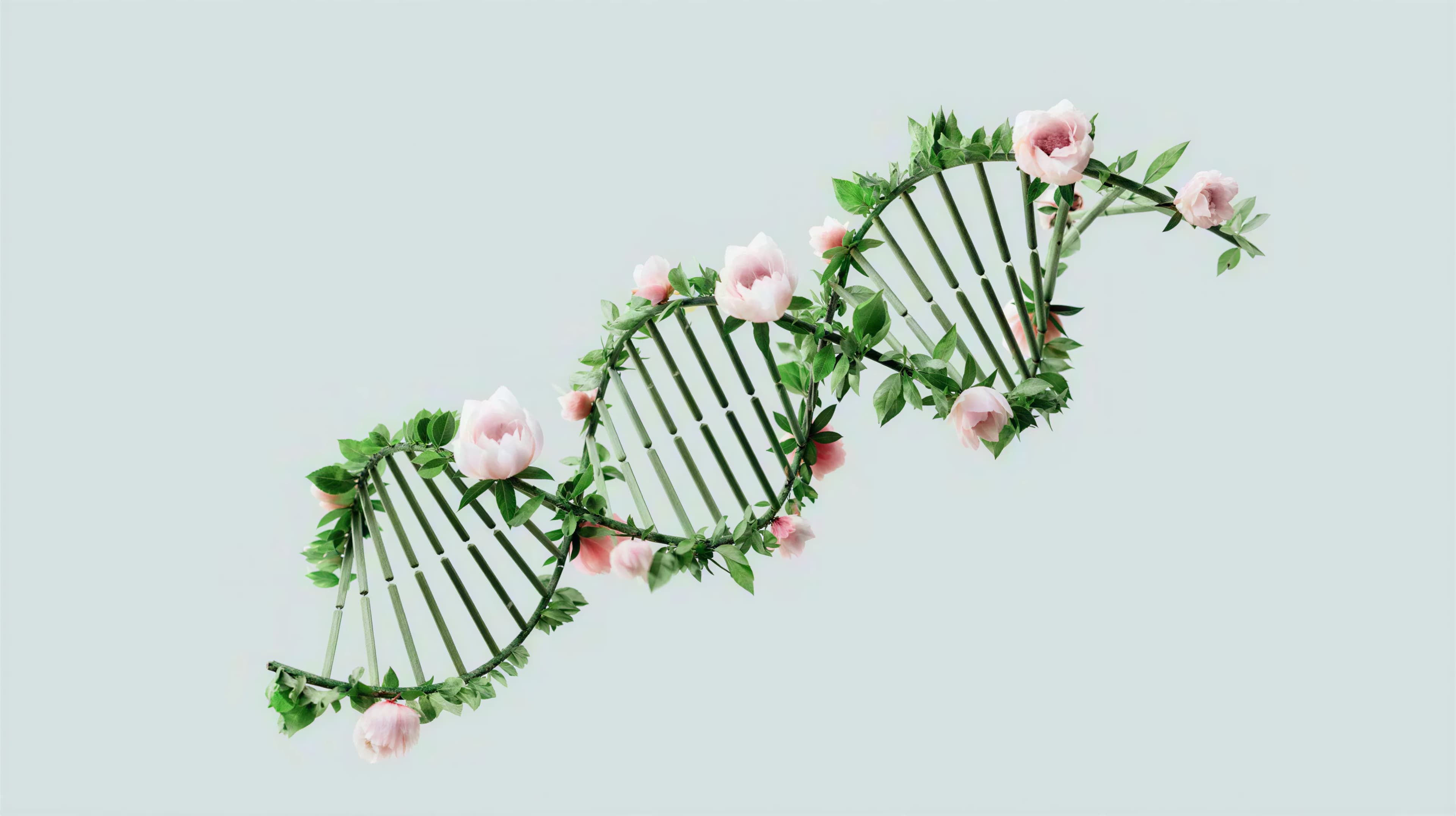
Enhance Digital Art & Illustrations
Upscale concept art, posters, and illustrations for portfolio-ready presentations. Our AI 4K image upscaler preserves linework, gradients, and stylized shading, letting artists upscale images to print-ready sizes with smooth contours and crisp detail.

Upgrade Social Media Content
Publish sharp, high-resolution visuals that stand out in feeds. The AI 4K image upscaler enhances portraits, lifestyle shots, and graphics for Instagram, TikTok, and YouTube thumbnails. Quickly upscale images for better engagement—free, fast, online.
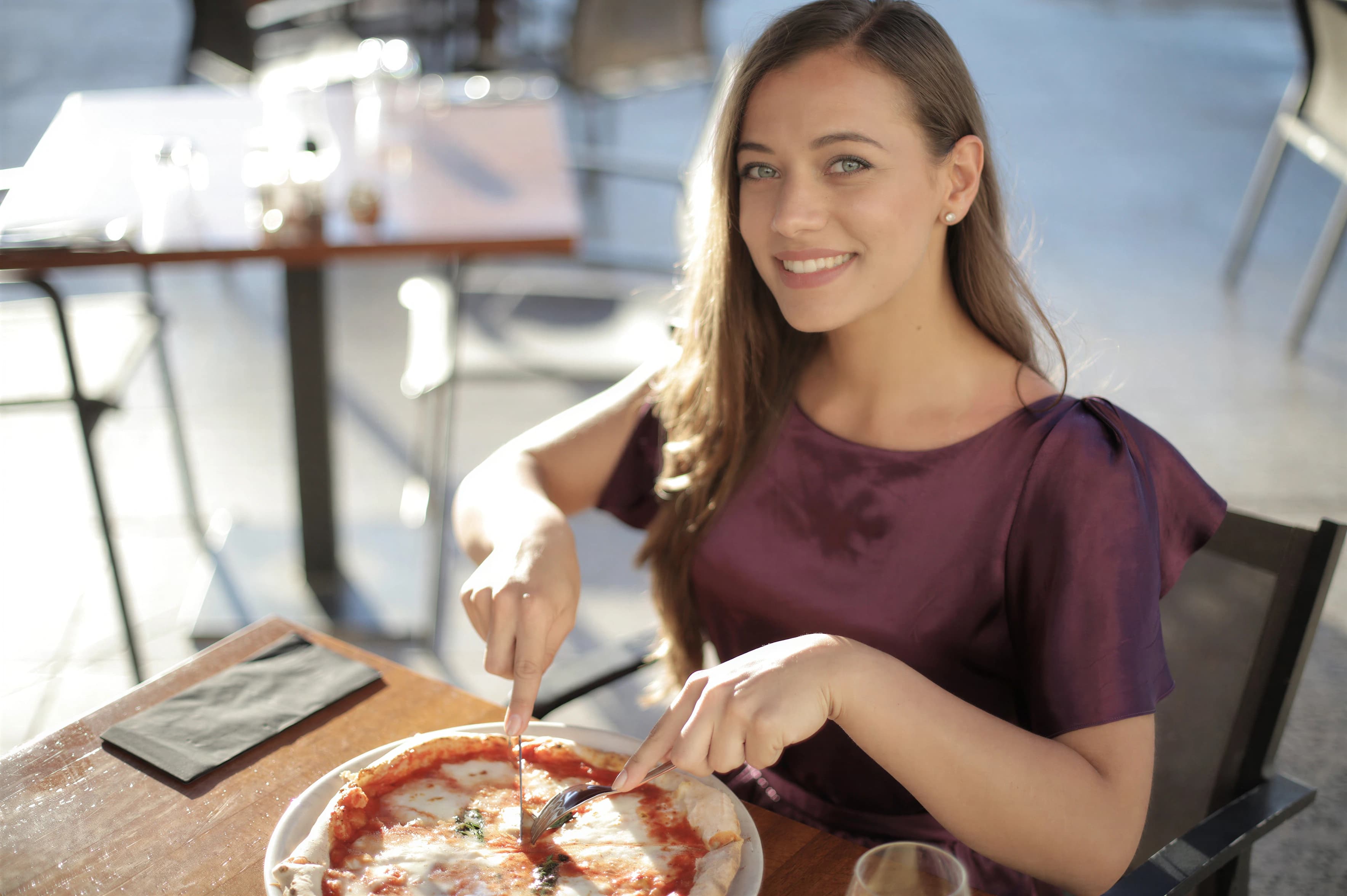

How to Use Our AI Image Upscaler
Upscale images free in four simple steps. Our AI image upscaler makes professional super-resolution accessible online for everyone—no installation required and no watermark.
Powerful Features of Our AI Image Upscaler
Discover how the AI image upscaler uses advanced super-resolution to upscale images naturally, enhance faces, reduce noise, and preserve color fidelity—free to try, no watermark, and built for professional work.
Super-Resolution 2K & 4K
The AI image upscaler reconstructs high-frequency detail and clean edges to upscale images 2K or 4K with low artifacts. Get print-ready clarity and consistent, natural results.
Face Detail Restoration
Restore eyes, skin texture, and hair strands without plastic smoothing. Our AI image upscaler enhances portraits so you can upscale images with life-like detail and accurate tone.
Smart Denoise & Sharpen
Reduce compression artifacts and color banding while sharpening edges responsibly. The AI image upscaler improves clarity and lets you upscale images without ringing or halos.
Simple and Fast Upscaling
Turn blurry, low-res photos into bright, detailed images with just one click. Use the AI image upscaler to brings out hidden details and vivid color tones and maintain consistent visual quality across projects.
Accurate Color & Texture
Preserve subtle gradients, micro-contrast, and material texture. The AI image upscaler keeps color faithful, helping you upscale images while avoiding oversaturation or harsh sharpening.
Formats & Workflow Friendly
Works with JPG, JPEG, PNG, WebP, GIF, and AVIF. Our AI 4K image upscaler is free to try, fast online, and ready to upscale images in modern creative pipelines.
Frequently Asked Questions About Our AI Image Upscaler
Find answers about how the AI image upscaler works, supported formats, output quality, and tips to upscale images for different use cases—free and online.
How does the AI image upscaler achieve super-resolution?
Our AI image upscaler uses deep neural networks trained on diverse, high-quality imagery. It learns statistical patterns of texture and edges, then reconstructs plausible high-frequency detail. This allows the AI image upscaler to upscale images to 2K or 4K while preserving natural color and avoiding harsh artifacts. It intelligently balances sharpening and denoise to keep images authentic and visually pleasing.
Can I upscale images free online?
Yes. You can start with free online upscaling using our AI image upscaler. Upload a photo, choose 1080P, 2K or 4K, and preview results instantly. The AI 4K image upscaler is designed to help you upscale images quickly with minimal setup, while maintaining a professional grade of quality suitable for print and web.
Which images work best with the AI image upscaler?
Portraits, product photography, landscapes, and digital art all benefit from our AI image upscaler. For best results, avoid extremely compressed or heavily filtered sources. The AI image upscaler can upscale images with low resolution and restore subtle texture, but higher-quality inputs will produce even cleaner, more accurate outputs.
What is the typical processing time of the AI image upscaler?
Most images process in under ten seconds, depending on size and complexity. The AI image upscaler is optimized for fast online upscaling at scale, letting teams upscale images for campaigns and catalogs without bottlenecks.
Is the AI image upscaler suitable for professional work?
Absolutely. Agencies, studios, and e-commerce teams can use the AI image upscaler to upscale images for print, landing pages, and ads. It maintains color fidelity, clean edges, and natural texture, making it a practical alternative to manual retouching workflows.
Which formats and sizes can I upload?
You can upload JPG, JPEG, PNG, WebP, GIF, and AVIF. The AI 4K image upscaler supports large files and is tuned to upscale images in modern creative pipelines. Output is provided as high-resolution files suitable for print and web.
Is there a free way to enhance photos to 4K?
Yes. New users receive free trial credits so you can enhance photos to 4K, preview the result, and decide when to upgrade.
Will my upscaled images have a watermark?
No. AI image upscaler results are watermark-free so you can use them for professional and commercial work.
How do you handle privacy and retention?
Uploads are used only to process and deliver your enhanced image. We minimize retention and keep files only as long as needed for processing and download. Contact support if you need immediate removal.
What is your refund policy?
In most cases, all purchases are final and non-refundable because digital services (such as credits) are considered consumed upon purchase. We reserve the right to issue a refund for technical issues that occur after purchase.
One-Click AI Image Upscaler for Flawless 4K Results
Our AI image upscaler automatically analyzes and enhances your photos. Upscale images to 4K in seconds—start free, then upgrade when you’re ready.